- Components
- Download
- Docs
TailAdmin for HTML
Tailwind CSS Admin Dashboard for HTMLTailAdmin for React.js
Tailwind CSS Admin Dashboard for React.jsTailAdmin for Next.js
Tailwind CSS Admin Dashboard for Next.jsTailAdmin for Vue.js
Tailwind CSS Admin Dashboard for Vue.jsTailAdmin for Angular
Tailwind CSS Admin Dashboard for AngularTailAdmin for Laravel
Tailwind CSS Admin Dashboard for Laravel
5+ Best AI Dashboard and Chatbot Templates for 2026
Build your AI apps faster with the AI dashboard and chatbot templates. Explore the best AI dashboard templates with exactly the features you need.

Sumaiya Afrin Kanak
30 Aug 2026
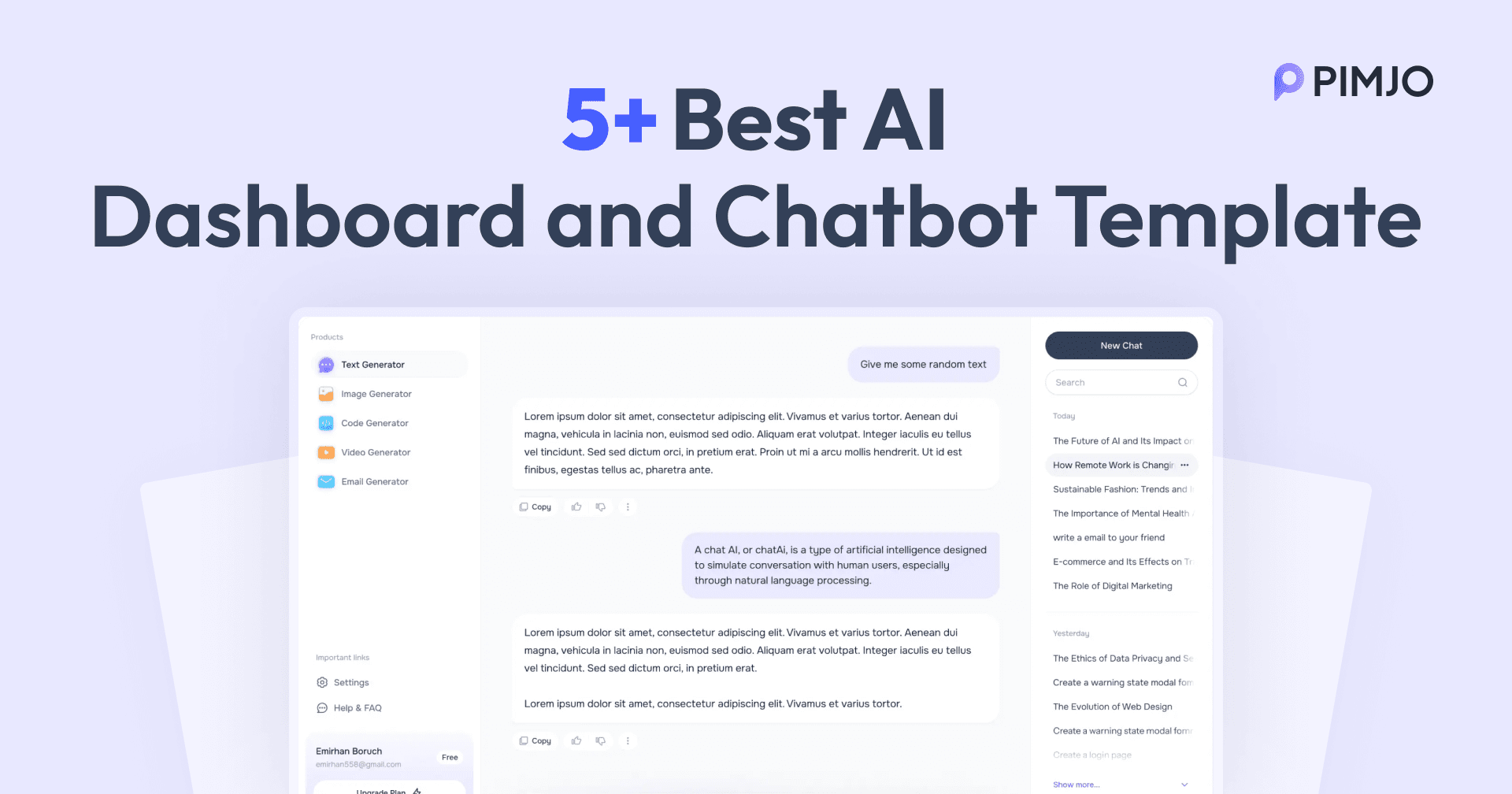
The biggest reason developers struggle with AI products is not the AI features themselves. But the other things around it. Different pages, like dashboards and auth pages, take up their attention and time. That’s why smart developers use AI dashboard templates. It saves their efficiency and time.
The AI dashboard templates help you build stunning dashboards with just a few clicks. All you need to do is download and add it to the project. The templates are professionally designed and coded. Also, the templates are built with modern technologies. So, it matches your modern projects perfectly and improves them.
However, while looking for the best AI dashboard templates, I struggled with the sheer number of options. That’s why I have shared the 5+ Best AI Dashboard and Chatbot Templates I picked. The templates are the ones I used, and I shared their features. So you can simply go through and pick the one you need.
What Is an AI Dashboard Template?
An AI dashboard template is a pre-built user interface for AI applications and websites. It allows developers to build AI applications easily. The AI template is already built by professionals. So, it includes better design and optimized code. So, you don’t need to worry about quality and design. In this way, the templates save you time so you can focus on what matters most.
Additionally, modern AI dashboard templates are built with modern technologies and frameworks. It uses React, Tailwind CSS, Vue, Angular, and others. Thus, you can easily integrate them into your project without sacrificing consistency or performance. Again, the templates use pre-built elements and are easily customizable. That helps you improve your project's overall experience and look.
Best AI Dashboard and Chatbot Templates - At a Glance
| AI Dashboard Templates | Best For | Key Strength | Tech Stack | Difficulty |
| TailAdmin AI Dashboard | AI SaaS dashboards and admin panels | Large UI system with 500+ components, multi-framework support, along with fast setup and installation | Tailwind CSS, Alpine.js, Vite, Axios, and ApexCharts | Beginner |
| Next.js AI Starter Kit | AI SaaS products and full-stack AI apps | Complete production-ready SaaS boilerplate with auth, database, payments, and AI integration | Next.js, React, Tailwind CSS, PostgreSQL, Stripe, and NextAuth | Beginner |
| Horizon UI AI Template | AI dashboards, chatbot apps, and enterprise SaaS | Premium UI design with reusable components and a modern SaaS layout system | Next.js, React, TypeScript, Chakra UI, and Tailwind CSS | Intermediate |
| TailGrids AI Chat Template | AI chatbot interfaces, All-in-one AI tools, and team collaboration chat apps | ChatGPT-style UI with multi-model support and smooth conversational experience | React, Tailwind CSS, and JavaScript | Beginner–Intermediate |
| Chatbot Dashboard Template | AI chat analytics and customer support platforms | Open-source chat + analytics dashboard with real-time messaging and scalable structure | Next.js, Tailwind CSS, AI SDK, PostgreSQL, and Redis | Advanced |
| Assistant UI Dashboard | AI copilots and productivity tools | Modern conversational AI framework optimized for assistant and workspace applications | React, TypeScript, Turbo, pnpm, and Monorepo architecture | Advanced |
| NextAdmin - AI Dashboard Template | AI-native Next.js dashboard toolkit and template | Works smoothly with popular AI agents | Next.js 16, React, Tailwind CSS | Intermediate |
Top AI Dashboard Templates
As I mentioned, I need to research and choose the best AI dashboard template. And to make your work easier, I have listed the top dashboard templates here. So, let’s take a look and find which one suits your needs.
TailAdmin AI Dashboard Template
TailAdmin is now one of the best AI dashboard templates. It is built with Tailwind CSS. The dashboard template is packed with features and pages. So, you can build any AI projects without going anywhere. In addition, TailAdmin has 500+ UI elements and 60+ code files. The elements are easy to change as well. Hence, you can easily maintain the consistency of your projects.

In addition, the TailAdmin AI dashboard supports a range of modern frameworks. You can use it for your React, Vue, Laravel, Next.js, and Angular projects. Also, the AI dashboard has prebuilt authentication and other reusable UI components. So, your project is easy to scale and saves significant development time. Most importantly, you will get lifetime technical support from TailAdmin with the Figma Design source file.
Key Features
- Built with Tailwind CSS
- 500+ UI components and elements
- 60+ prebuilt coded files
- Fully responsive AI dashboard design
- Built-in dark and light mode support
- Lightweight dashboard template for AI projects
- Optimized for better performance and speed
- Includes authentication and reusable pages
- Has charts, analytics, and widget elements
- Includes the Figma design source
- Offers lifetime technical support
- Has multi-framework support
Pros
- Easy to customize and scale
- Clean and modern UI design
- Both developer and designer-friendly structure
- Supports React, Vue, Angular, Laravel, and Next.js
- Saves a lot of development time with reusable components
- Great documentation and technical support
Cons
- Needs basic knowledge of Tailwind CSS and other frameworks.
Tech Stacks
- Tailwind CSS
- Alpine.js
- Vite
- Laravel Vite Plugin
- Axios
- ApexCharts
- Flatpickr
- JSVectorMap
- Prism.js
- Swiper
Github Stars⭐: 2.1K
Github Repo: TailAdmin/tailadmin-free-tailwind-dashboard-template
Live Demo: react-demo.tailadmin.com/ai
Next.js AI Starter Kit
Next.js AI Starter Kit is a full-stack boilerplate for SaaS and web applications. It is a modern and simple Next.js AI website template. So, you can build fully functional AI websites in minutes. The starter kit is built with Next.js, React, and Tailwind CSS. Also, it includes 15 pre-built pages with different UI elements.

Additionally, the AI kit includes authentication pages, a dashboard, and blog pages. And the template is very easy to customize and install. The template also has ChatGPT, Midjourney, and other useful AI integrations. Also, the design is easy to customize and fully responsive across all screen sizes. Additionally, the template is optimized for SEO and speed. So, you get a better-optimized, faster website in minutes.
Key Features
- Built with Next.js, React, and Tailwind CSS
- Includes 15+ prebuilt pages and UI sections
- Fully responsive AI website template
- Has PostgreSQL and Drizzle ORM for better schema and migration
- Comes with authentication and dashboard pages
- Includes blog layouts and reusable UI components
- Supports ChatGPT and AI integrations
- Modern and lightweight SaaS design
- SEO and speed optimized
- Easy customization and installation
- Mobile-friendly and scalable structure
Pros
- Fast setup for AI SaaS projects
- Clean and modern website design
- Beginner-friendly and easy to customize
- SEO optimized for better visibility
- Responsive across all screen sizes
- Saves development time with prebuilt pages
Cons
- Requires basic knowledge of Next.js and React
Tech Stacks
- Next.js
- React
- Tailwind CSS
- JavaScript
- NextAuth
- PostgreSQL
- Drizzle
- Stripe
- AI API Integration
Github Stars⭐: 131
Github Repo: NextJS OpenAI Starter
Live Demo: demo.aistarterkit.nextjstemplates
NextAdmin AI Dashboard Template
NextAdmin is another of the best AI dashboard templates now. It is a fully AI-native toolkit for Next.js applications. It has 200+ AI-optimized components and pre-built pages. The toolkit has a dedicated pre-made AI dashboard page. So, you can just download it and use to your application. The template allows you to customize the dashboard as you want.

Along with the Figma design source file, NextAdmin allows you to work with any of your AI agents and editors. The Next.js toolkit has AI-ready context. Thus, you can work with Claude Code, Cursor, Visual editor, or any other agent you want. It helps developers to save more time and build an optimized dashboard for AI applications. The page itself have all the components like charts, graphs, and tables to make the applications more effective.
Key Features
- 200+ pre-built components and dashboard pages
- Dedicated AI dashboard for modern applications
- AI-ready context for faster development workflows
- Compatible with Claude Code and Cursor
- Includes Figma source files for customization
- Ready-made charts, graphs, and data tables
- Responsive layouts with customizable dashboard components
- Supports dark mode and light mode
Pros
- Built specifically for modern AI applications
- Saves time with ready-made dashboard components
- Works smoothly with popular AI coding tools
- Includes extensive customization options for developers
- Figma files simplify design and development
- Provides multiple useful dashboard features
- Uses modern and widely adopted technologies
Cons
- Advanced customization may require coding knowledge
Tech Stacks
- Next.js 16
- React 19
- TypeScript
- Tailwind CSS 4
- Recharts
- FullCalendar
- React Aria
- Sonner
- ESLint
- Prettier
Github Stars⭐: 538
Github Repo: NextAdminHQ/nextjs-admin-dashboard
Live Demo: demo.nextadmin.co/ai
Horizon UI AI Template
Horizon UI AI template is another simple AI chatbot template now. It is built for modern and SaaS dashboard applications. The template is built with React, Next.js, and Chakra UI. In addition, the ChatGPT AI template includes 30+ UI elements and multiple pages. It has a simple user interface design and a professional-looking dashboard. The template has buttons, navbars, cards, alerts, and other UI elements.

Thus, you can choose the element you want and build a customized AI chatbot. Additionally, the chatbot template is fully functional and responsive. It fits all the screen sizes perfectly. Additionally, it offers several other prompt templates for a better user experience. The template supports both dark and light modes, too.
Key Features
- Built with Next.js, React, and Chakra UI
- Has 30+ reusable pre-built UI components
- Modern design for a simple AI chatbot
- Fully responsive for all devices and screen sizes
- Supports dark and light modes
- Includes buttons, cards, alerts, and navbars
- Multiple prebuilt pages and layouts
- Easy customization and scalability
- Professional SaaS-style interface
- Includes prompt templates for AI chat experiences
Pros
- Clean and modern dashboard design
- Easy to customize and developer-friendly
- Fully responsive and mobile optimized
- Supports modern React and Next.js dashboards and chatbot development
- Includes reusable components that save time
- Smooth, dark, and light mode experience
Cons
- Limited free components compared to the premium version
- Chakra UI customization may take time for beginners
- Large projects may require additional optimization
Tech Stacks
- Next.js
- React
- TypeScript
- Chakra UI
- Tailwind CSS
- Material Tailwind
- Heroicons
- Prettier
- Node.js
- npm
- Vercel
Github Stars⭐: 627
Github Repo: horizon-ui/chatgpt-ai-template
Live Demo: horizon-ai-template/chat
Tailgrids AI Chat Template
The AI Chat Template by Taigrids is another of the best AI Chatbot templates. It is a simple yet modern and fully functional AI chat template. You can use the template to design a chatbot for your teams. Moreover, the template is built with React and Tailwind CSS. So, the AI Chat offers a smooth experience like ChatGPT. Also, the template includes chat bubbles and other animations. It makes the chat template more interactive and eye-catching.

Together with that, the template is best for multi-model chat applications. You can build an All-in-one AI chat interface for the team and automated workflows. Another reason for that is that the template is lightweight and highly customizable. It includes the model selector to switch between the models as well. Not only that, you can toggle between the dark and light modes too.
Key Features
- Built with React and Tailwind CSS
- Modern AI chat interface design
- Smooth ChatGPT-like user experience
- Includes animated chat bubbles and interactions
- Fully responsive across all devices
- Supports multi-model AI chat systems
- Includes AI model selector functionality
- Lightweight and highly customizable structure
- Dark and light mode support
- Suitable for AI workflow and team collaboration apps
Pros
- Clean and interactive chat UI
- Easy to customize and extend
- Lightweight and performance optimized
- Great for multi-model AI applications
- Responsive design for desktop and mobile
- Modern animations improve user experience
Cons
- Requires React knowledge for customization
- Not ideal for very large enterprise-level applications
Tech Stacks
- React
- Tailwind CSS
- JavaScript
- AI API Integrations
Github Stars⭐: 1.6K
Github Repo: Tailgrids/tailgrids
Live Demo: tailgrids.com/templates/ai-chat
Chatbot Dashboard Template
The Chatbot template is an open-source AI chat template. It was formerly known as an AI chatbot. The template is built with Next.js, Tailwind CSS, and the AI SDK. You can build modern, interactive chatbot dashboards without any hassle. Additionally, the template includes a live chat interface, customer engagement, and AI chat analysis.

Furthermore, the Chatbot template makes it easy to build better, more complex dashboards. It offers faster development with scalable features. Also, it includes a unified API for generating texts and structuring the objects. Not to mention, the elements are easy to customize, too. Thus, you can maintain the consistency of your projects simply. Also, it always updates and follows best practices.
Key Features
- Built with Next.js, Tailwind CSS, and AI SDK
- Open-source AI chatbot dashboard template
- Includes live chat and messaging interface
- Supports AI analytics and customer engagement
- Unified API for AI text generation
- Fully responsive and scalable structure
- Easy customization and reusable UI components
- Optimized for modern AI applications
- Regular updates and best-practice architecture
- Fast setup and development workflow
Pros
- Open-source and developer-friendly
- Clean and modern chatbot dashboard design
- Easy to scale for advanced AI applications
- Responsive across desktop and mobile devices
- Reusable components save development time
- Regularly maintained and updated
Cons
- Requires knowledge of Next.js and AI SDK
- Advanced AI features may need additional setup
- Some integrations require external API configuration
- Custom backend logic may be needed for enterprise projects
Tech Stacks
- Next.js
- React
- TypeScript
- Tailwind CSS
- PostCSS
- Framer Motion
- Motion
- Radix UI
- Lucide
- AI SDK
- NextAuth.js
- Drizzle ORM
- PostgreSQL
- Redis
- Sonner
- Node.js
Github Stars⭐: 20.3K
Github Repo: vercel/chatbot
Live Demo: chatbot.ai-sdk.dev
Assistant UI Dashboard
Assistant UI is another open-source chatbot template. It is built with React and Typescript. The template provides a proper interactive conversational experience. Along with that, it has a modern, simple design interface for today's applications. Again, with the template, you can build AI productivity systems, research assistants, and AI copilots.

Furthermore, the Assistant UI dashboard is fully responsive and easily scalable. So, you can build a simple and interactive user experience. Also, the elements are prebuilt and reusable. That’s why it saves you a lot of development time.
Key Features
- Built with React and TypeScript
- Open-source conversational AI template
- Modern and clean chatbot interface
- Fully responsive across all devices
- Prebuilt and reusable UI components
- Supports AI copilots and productivity systems
- Easy customization and scalability
- Interactive conversational experience
- Optimized for modern SaaS applications
- Lightweight and developer-friendly structure
Pros
- Clean and modern dashboard design for an AI chatbot
- Open-source and easy to customize
- Fully responsive and scalable
- Reusable components save development time
- Great for AI assistants and copilots
- Developer-friendly React architecture
Cons
- Requires React and TypeScript knowledge
- Limited built-in backend functionality
- Advanced AI integrations require additional setup
- Some customization may need technical experience
Tech Stacks
- React
- Node.js
- TypeScript
- pnpm
- Turbo
- Biome
- Changesets
- Husky
- Lint Staged
- Taze
- Expo
- Bash Scripts
- Monorepo Architecture
Github Stars⭐: 10.1K
Github Repo: assistant-ui/assistant-ui
Live Demo: www.assistant-ui.com
Key Features of AI Dashboard Templates
There are so many AI dashboard templates on the internet. But not all matches every project's needs. However, there are some key features that a developer must have, no matter what the project is. Here are some of the main features of the high-quality AI dashboard templates:
Modern and Responsive Design: The first thing that an AI dashboard template needs is a modern design. The template must have a good, interactive, and responsive design. The design catches the audience's attention. And the responsiveness makes the application accessible through any device.
Easy API Integration: The AI chatbot template must support API integration. Many platforms now rely on OpenAI and other chatbot APIs. It makes the project development seamless and faster.
Authentication and Security: Your AI dashboard also needs secure login and authentication pages. It helps to secure customers' information and other data. That’s why many templates have sign-in, secure password, password reset, and user management control pages.
Reusable UI components: The AI chatbot template also must include pre-built, reusable components. The components help to maintain better consistency. Again, it helps you to speed up the customization.
Customizable and Scalable: Your AI template must be easily customizable and scalable. You need to be able to change the colors, sizes, and widths of the elements as you need. It gives you the ownership, and you can scale the application whenever you need to.
Optimized for Performance and Speed: Another reason is that the template must be optimized for SEO, performance, and better speed. It also needs to be lightweight. So, it doesn’t add any further burden to your project. That’s how it will help your application run smoothly and fast.
Different Theme Support: Now, many applications offer both light and dark mode options. So, the templates should also support both themes. It saves developers time by allowing them to add the feature manually after adding the template.
Final Words
So, AI dashboard templates are a simple and easy shortcut for new AI projects. It provides pre-built components and pages with other essential features. Also, it helps developers avoid worrying about design and cuts development time. Thus, the template provides efficiency and reliability.
However, you need to choose the template carefully while you build. When you are building the dashboard for an AI application, you can go with the TailAdmin AI dashboard template. And while building the AI chatbots, you can choose the Tailgrids AI chatbot template. Again, if you want to start your AI startup, then the Next.js AI starter kit is the best option.
A smart choice will reduce your burden and help you build the product you actually want.