- Components
- Download
- Docs
TailAdmin for HTML
Tailwind CSS Admin Dashboard for HTMLTailAdmin for React.js
Tailwind CSS Admin Dashboard for React.jsTailAdmin for Next.js
Tailwind CSS Admin Dashboard for Next.jsTailAdmin for Vue.js
Tailwind CSS Admin Dashboard for Vue.jsTailAdmin for Angular
Tailwind CSS Admin Dashboard for AngularTailAdmin for Laravel
Tailwind CSS Admin Dashboard for Laravel
7+ Best Figma Dashboard UI Kits for 2026
Explore the best Figma dashboard UI kits for 2026. Compare free and paid options by component count, framework fit, and design system quality.

Sumaiya Afrin Kanak
23 Apr 2026
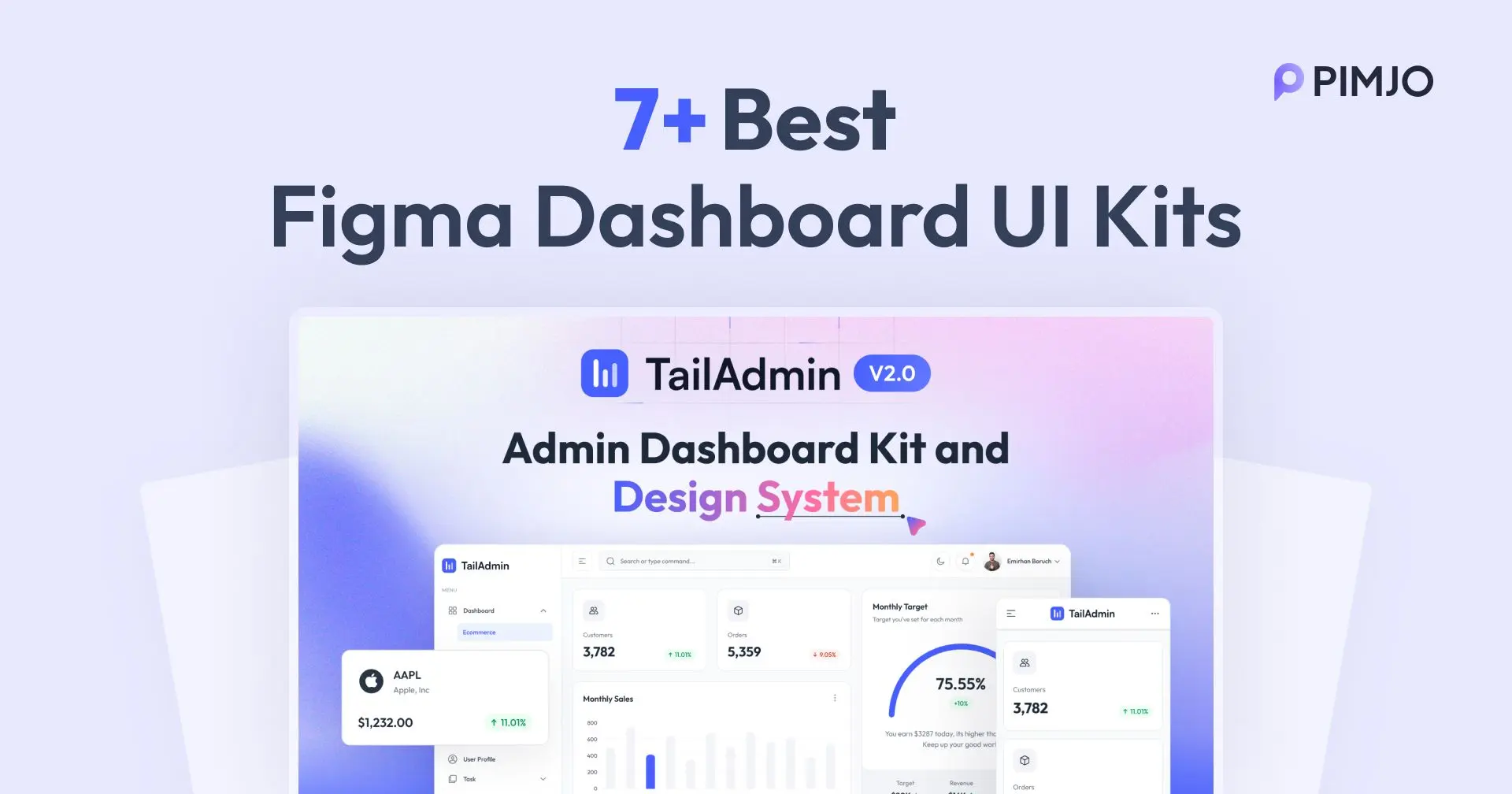
Designing a modern and clean admin panel can take days or even weeks. It becomes a nightmare for developers then. Especially when you are juggling with UX, responsiveness, functionality, and developer hand-off. That’s why Figma dashboard UI kits are the game-changer.
With the Figma admin UI kits, you don't have to start from zero. The designs are already there. Not only that, the UI kits include advanced components, screens, and pages. The kits offer fully functional designs and layouts.
In this guide, I will share the 7+ best Figma Dashboard UI kits for 2026. I have listed both free and pro dashboard kits. So, you can build faster, smarter, and have better design consistency.
What is a Figma Dashboard UI Kit?
Figma Dashboard UI kits are a pre-made design library of admin panels. It contains UI components, different screens, and a design style. A UI kit helps to save both time and effort. What's more, the designers and developers can quickly complete the dashboard.
With the dashboard kits, designers or developers can choose their own components and pages to build a fully functional admin panel with ease.
In addition, UI kits are designed on Figma and will support both small and complex projects. The designs are functional, adaptable, and responsive. So, you don’t need any further configuration.
Why Use Figma Admin Dashboard UI Kits?
Using a Figma admin dashboard kit helps to build a project much faster. It makes design, configuration, and complex tasks easier. Also, the UI kits allow better consistency in the designs. Here are some other benefits of using a Figma admin dashboard:
High-quality design: The experts design UI kits with precision and care. So, the UI includes high-quality components and pages. Using the Figma UI kit helps you add those premium components without paying extra.
Speeds up the workflow: Moreover, the UI kits allow you to save a lot of time in design and adjustments. The pre-made pages and screens help you just customize and build the admin panel.
Ensures UI consistency: Again, the UI kits are built with a design system in mind. So, it has consistent spacing, typography, and colors in all screens.
Speeds up development handoff: Many UI kits, like TailAdmin and Tailgrids, are fully structured and have auto layout. So, developers can easily convert the design to code handoff and save time.
Top Figma Admin UI Kits - At a Glance
| UI Kit Name | Key Highlights | Components and Templates | Best For | Free Option Available |
| TailAdmin Figma Dashboard UI Kit | Modern Tailwind-style design, scalable system, and developer-friendly | 500+ UI elements and 7 dashboard templates. | SaaS apps, admin panels, and analytics dashboards | Yes |
| Next Admin Figma UI Kit | Next.js 15 and Tailwind CSS based, modern, responsive, dark mode, highly customizable and developer-friendly | 200+ UI components and 5 dashboard templates | SaaS apps, admin dashboards, designers and developers | No (One-time payment: $99) |
| Dashlab Admin Dashboard UI Kit | Advanced UI structure, light/dark mode, and rich data visualization | 66+ templates and 300+ icons | Enterprise dashboards and analytics apps | Yes |
| Figma Admin Dashboard (Open Source) | Tailwind-aligned, auto-layout support, and clean dev structure | Multiple reusable components | Developers, startups, and admin systems | Yes |
| Tailgrids Figma UI Kit | Massive component library, Tailwind CSS-based, and highly scalable | 900+ UI components and 600+ widgets | SaaS, landing pages, and eCommerce dashboards | Yes |
| Mint Admin Dashboard UI Kit | Minimal, beginner-friendly, and fast prototyping | 30+ screens available | Simple admin dashboards for beginners | Yes |
| Purity UI Dashboard from Chakra UI | React and Chakra UI based, accessibility-focused | 100+ components | SaaS apps and React dashboards | Yes |
| NEATLAB Super Admin Dashboard | Enterprise-level system and advanced components | Multiple templates and a complex UI system | Large SaaS and enterprise apps | Yes |
| Snow Dashboard UI Kit | Clean, minimal, and structured UI system | 30+ screens and 60+ pages | Simple dashboards and clean UI projects | No |
| DashboardX - Admin Dashboard UI Kit | Flexible, scalable and modern UI design | 128 screens | SaaS apps and web platforms | Yes (community version) |
Best Figma Dashboard UI Kits
Here is the list of dashboard kits for Figma I have created. I have researched and found high-quality and better functionality UI kits. It helps you build your simple and complex projects without waiting for weeks. So, let’s take a look and pick the UI kit you need.
TailAdmin Figma Dashboard UI Kit
TailAdmin offers the modern and best Figma Dashboard UI Kits. It is built with the Tailwind CSS style guide. It is a powerful and free admin dashboard template. The UI kit helps to create a data-backed backend and admin panel or dashboards easily. It includes 500+ UI elements and 7 different dashboard templates.

Moreover, TailAdmin has both a designer and developer-friendly structure. So, all the elements and components are well-organized and consistent. Again, the UI kit aligns with modern frontend frameworks. Thus, it makes design-to-code handoff smooth and efficient. In addition to that, the designs are easy to customize and scale as you need. For this reason, you can build a fully functional admin panel without the heavy work.
Key Features
- 500+ ready-to-use UI components
- 7 pre-designed dashboard layouts
- Clean and modern UI design system
- Built with Tailwind CSS style guide
- Fully organized layouts, elements, and components
- Simple customization and scalability
- Responsive design for any screen size
- Developer-friendly design-to-code handoff
- Works well with modern frameworks
- Free to use, also has premium options
Pricing
TailAdmin Figma has both free and paid UI elements. The free version includes the core dashboard layouts and base components. The paid tier adds advanced charts, additional templates, and extended UI blocks.
Preview Link: free-figma-tailwind-admin-dashboard-tailadmin
Live Demo: TailAdmin dashboard preview
NextAdmin Figma UI Kit
NextAdmin is a free admin dashboard template and UI toolkit. It is built with Next.js 15 and Tailwind CSS. The platform has an admin dashboard kit in Figma to use. The dashboard kit has 200+ pre-built UI components and 5 different dashboard templates. Together with that, the UI kit includes UI elements like charts, tables, forms, and many more. So, your admin panel is fully functional and makes your app easy to manage.

Moreover, with the Figma UI kit, you can customize the design's colors and layouts. That’s how you can maintain consistency across your project. The dashboard kit is fully responsive and has built-in dark mode. It is ideal for both designers and developers to easily create any project.
Key Features
- 200+ pre-built UI components
- 5 pre-made dashboard templates for an easy start
- Dashboard is built with Next.js 15 and Tailwind CSS
- Has charts, tables, forms, and other core UI components
- Clean and modern admin dashboard design
- Fully responsive layouts
- Built-in dark mode support
- Easy customization of colors and layouts
- Consistent and scalable design system
- Developer-friendly and ready for modern projects
Pricing
You will have to pay only $99 as a one-time payment to get the Figma kit with many other premium features.
Download Link: NextAdmin UI Kit
Live Demo: Nextadm Dashboard Preview
Dashlab Admin Dashboard UI Kit
Dashlab is a Figma Dashboard UI kit that offers clean and modern admin panels. Moreover, Dashblab has 66 pre-made templates to make your work easier and faster. Also, it has 300+ icons and pre-made UI components. Not only that, but the components are also convenient, easy to scale, and easy to customize.
Dashlab Admin Dashboard UI Kits handles complexity smoothly. Along with that, you don’t have to sacrifice usability. The Figma UI kit supports both light and dark mode. Also, it offers scalable, pre-made dashboard designs. The UI kit has structured UI components and thoughtful UX patterns. So, you can create a powerful dashboard with a smooth user experience.
Key Features
- 66+ pre-designed dashboard templates
- 300+ high-quality icons included
- Clean and modern design
- Light and dark mode support
- Fully scalable components
- Easy customization in Figma
- Well-structured design system
- Pre-made UI components for an easy start
- Simple, user-friendly, and smooth UX patterns
- Suitable for complex admin dashboards
Pricing
The Figma Admin Dashboard template is fully free for the Figma community. However, if you want the premium elements and pages, you need to buy them for $30.
Preview Link: dashlab-admin-dashboard-ui-kit
Themeberg Figma Dashboard UI
Figma Admin Dashboard is another of the best Figma admin UI kits. It is a free and open-source UI kit for Figma. You can create clean and developer-friendly admin panels with it. The dashboard UI kits are aligned with Tailwind CSS utility classes. So, you can easily integrate the admin panel into your modern frameworks. Also, the UI kit has various UI elements to make your dashboard elegant and grab more attention.

Additionally, the UI components and elements are easy to customize and scale. So, you don’t have to worry while scaling your application or website. Again, the Figma Admin Dashboard uses Auto-layout to edit the designs smoothly. The designs are fully responsive and can be used to build any app, website, or SaaS product.
Key Features
- Free and open-source UI kit
- Aligned with Tailwind CSS utility classes
- Simple and modern design for developers
- Responsive designs and layouts for any screen size
- Auto-layout support in Figma for easy editing
- Easy customization and scalability
- Modern and elegant UI components
- Ready-to-use dashboard elements
- Smooth design-to-code workflow
- Compatible with modern frameworks
Pricing
The Figma Admin Dashboard Kit v1.0.0 is free to use. But if you need better elements and control, you can purchase the pro version. It costs $79
Preview Link: Themesberg Figma
Tailgrids Figma - Tailwind UI Design System
Tailgrids Figma is the best UI component library for Figma, trusted by 150k+ developers, designers, and teams worldwide. It is clean, modern, and developer-friendly.
This Figma UI kit and design system is easy to use, enabling designers to rapidly develop user-friendly UI elements with its 900+ UI components. Along with the dashboard, Tailgrids has E-commerce, Marketing, Applications, and other UI kits. Thus, you can build admin panels, SaaS websites, landing pages, or applications.

Moreover, TailGrids Figma is designed on Tailwind CSS principles. Thus, you can work freely with the modern frameworks. Again, you can customize the elements, layouts, and adjust the styles with auto-layouts. Hence, you can build unique dashboards to maintain your design consistency. With its highly adaptable design, you can build prototypes and admin interfaces without any limitations. It supports both light and dark modes.
Key Features
- 900+ reusable UI components and variables
- 600+ widgets and examples for better workflow
- Developer-friendly structure
- Built on Tailwind CSS principles
- Wide range of pre-made UI components
- Has dashboards, eCommerce, marketing, and application templates
- Auto-layout support for easy editing
- Light and dark mode support
- Fully customizable elements and layouts
- Scalable and flexible design system
- Consistent and reusable components
- Suitable for SaaS, landing pages, and admin panels
- Supports fast prototyping and workflow
Pricing
Tailgrids Figma UI kit is free to use. However, if you want to get full access to the premium elements, you need to purchase them. But it is a one-time purchase and includes a commercial license, UI blocks, templates, and many more.
Preview Link: Tailgrids-figma-ui-kit
Mint Admin Dashboard UI Kit
Mint Admin Dashboard UI Kit is a modern Figma Dashboard kit. It is a free admin UI kit for the Figma community. It has clean and modern designs to match the updated applications and websites. Also, the designs are fully customizable. So, you can easily tie it up with your UI designs. You can customize the colors, fonts, and layouts to create a consistent app design.

Moreover, the UI kit has 30+ screens and different UI components. So, you can use it for a quick prototype and make your design easier. Also, the designs are fully responsive for all screens. With the clean elements and different screens, you can build your design in no time with a little effort.
Key Features
- It is a free Figma UI kit
- 30+ pre-made screens
- Modern and simple dashboard UI kit
- Fully customizable colors, fonts, and layouts
- Responsive for all screen sizes
- Has a ready-to-use UI component
- Quick and easy prototyping
- The design system is unified
- User-friendly and organized layouts
- Ideal for modern applications and dashboards
Pricing
Mint Dashboard UI Kits are free to use.
Preview Link: Mint-dashboard-kit
Purity UI Dashboard - Chakra Admin Template
Purity UI is built for React and Chakra UI teams. It is the only kit on this list that aligns directly with Chakra UI design principles, making it a natural fit if your stack already includes React. It is easily accessible to developers and designers.
Through the kit, you can generate cool, minimalist, and responsive dashboards for your applications. In addition, the components are very flexible and editable. Therefore, you can edit the colors, fonts, and layouts very easily.

Also, Purity UI is very well integrated with Chakra UI and React. So you can easily develop and build a fully featured and modern app. And, it comes with 100+ UI elements and components. The kit includes charts, tables, cards, and much more. In addition to its simplicity, the design kit offers high performance and scalability. For this reason, it is ideal for modern applications and SaaS dashboards. The design also supports dark mode to make your app look better.
Key Features
- 100+ UI components and elements
- Built based on Chakra UI design principles
- Clean, simple, and modern UI designs
- Fully responsive and supports dark mode
- Colors, fonts, and elements are easy to customize
- Structured for developers and designers
- Easy integration with React and Chakra UI
- Scalable and high-performance design system
- Accessible and user-focused components
- Suitable for SaaS and modern web applications
Pricing
Purity UI Dashboard Kit is free to use with some limited elements. However, if you want, you can buy the premium package as well.
Preview Link: purity-ui-dashboard
Live Demo: purity-dashboard-ui-kit/
NEATLAB - Super Admin Dashboard UI Design Kit
NeatLab is another impressive Figma admin panel UI kit. It has a range of amazing features, pages, and elements. Moreover, the admin UI kit includes several pre-made templates. You can customize the colors, fonts, and others. So, you can just edit the templates and add them to your design without starting from scratch.

In addition, NeatLab offers greater flexibility and scalability. Hence, you can create complex dashboards with advanced components and flexible layouts. Not only that, the dashboard kit helps you maintain developer and design consistency. So, you can work smoothly. The Figma dashboard kit supports both light and dark modes.
Key Features
- Multiple pre-designed templates
- Well-organized components
- Easy editing, flexible, and scalable design system
- Advanced UI components and elements
- Supports complex dashboard designs
- Auto-layout support for faster design
- Effortless resizing and adjustments
- Light and dark mode support
- Maintains design and development consistency
- Smart and easy-to-use interface
- Consistent developer and designer-friendly workflow
Pricing
The NeatLab Admin dashboard kit for Figma is free to use for the community.
Preview Link: neatlab-ui-kit
Snow Dashboard UI Kit
Snow Figma dashboard kits feature a clean, simple design. If you want to build an easy, minimal admin panel, you can try this. Not only that, it has well-organized design rules, components, and styles. Hence, you can learn to use it even if you are a total beginner. Moreover, the UI kit includes key components like cards, navigation, tables, and more.

Along with that, the Figma admin UI kit has reusable components. So, you can build faster and maintain a better consistency. The UI kit has 30+ screens and 60+ pages. For this reason, you can actually build a complex dashboard without exhausting your project. In addition to that, you can edit the components and pages as you want.
Key Features
- Clean, beginner-friendly, and minimal design
- 30+ screens and 60+ pages
- Well-organized components and styles
- Beginner-friendly structure
- Reusable UI components
- Includes cards, tables, navigation, and more
- Easily customize the elements and layouts to maintain consistency
- Consistent and scalable design system
- Speeds up design workflow with reusable components
- Suitable for simple to complex dashboards
Pricing
Snow UI dashboard kit is not free to use. It costs $59. You can buy it from Figma.
Preview Link: snow-dashboard
DashboardX - Admin Dashboard UI Kit
DashboardX is another of the most promising Figma admin UI kits. It is a simple, clean, and flexible design. Again, the UI kit has 128 screens for both complex and easy dashboards. The kit helps you create vibrant admin panels for your SaaS, websites, landing pages, or applications. Furthermore, the kit also includes advanced components and UI elements.

It is flexible, scalable, and easy to customize. So, you can match your design and don’t have to worry about scaling up your application. Moreover, the components are well-structured and organized. Thus, it helps you create the UI as you need without any hassle. In addition to that, DashboardX offers light and dark mode support for a better user experience.
Key Features
- 128 pre-designed screens
- Clean, simple, and minimal UI design
- Suitable for both simple and complex dashboards
- Advanced UI components and elements
- Customize the layouts, colors, and fonts simply
- Flexible and scalable design to create simple to complex apps
- Well-structured and organized components
- Light and dark mode support
- User-friendly and responsive design for a better experience
- Best for simple SaaS, apps, and web applications dashboards
Pricing
DashboardX offers a free community version for Figma. However, if you want full access to the UI kit and premium elements, you need to buy the pro plan. The UI kit costs $9.99.
Preview Link: DashboardX
Final Words
The high-quality Figma Dashboard UI kits greatly speed up your workflow. It reduces the design and configuration time. Not only that, the UI kits help developers build complex projects with minimal design effort. Also, with the UI kit, it is easy to maintain a professional and consistent design.
In addition, the UI kits help build simple and even complex projects with less effort and time. With better flexibility, the kits allow users to build modern dashboards and make professional projects.